Reddybook
Panel
The complete guide to Reddybook Panel — what it is, who needs it, how to get access, how the panel login works, and what the management dashboard actually lets you do. Written honestly, without invented statistics or vague claims.
What Is Reddybook Panel — Explained Simply
Reddybook Panel is a management-level account on the Reddybook platform. If you have heard the term "panel" in the context of online cricket betting in India and wondered what it actually means in practice, this is the clear answer.
A standard Reddybook account lets you bet on cricket and sports for yourself — your own wallet, your own bets, your own deposits and withdrawals. A Reddybook Panel account does all of that and adds a layer on top: a management dashboard that lets you create betting accounts for other users, manage their wallet balances, process their deposits and withdrawals, and see their activity across a unified dashboard.
Panel holders are essentially local agents. They are the people in their area who introduce friends, colleagues, and contacts to online cricket betting on the Reddybook platform. When someone in their network wants a betting ID, the panel holder creates it. When that user wants to deposit before an IPL match, the money comes through the panel holder. When they want to withdraw their winnings, the panel holder processes it. The panel dashboard is the tool that makes managing all of this efficiently possible.
"In India, trust in financial matters flows through known people before it flows through institutions. The Reddybook Panel system works because it puts a trusted local person between the platform and the end user — and that local trust is genuinely more valuable than any platform guarantee."
Panel vs Standard Account — The Key Difference
The distinction that most people miss: having a panel account does not mean you get better cricket betting markets or better odds. The IPL session markets, exchange prices, casino games, and UPI payment methods are identical for a user whose ID was created by a panel holder and a user who registered directly on the website. The panel is a management tool, not a betting upgrade. If you are looking for better betting features, a standard account already covers everything you need. If you want to create and manage accounts for other people, that is when panel access becomes relevant.

for your network
How Reddybook Panel Works in Practice
Understanding the mechanics of the panel system — how money moves, how accounts are created, and what the day-to-day management actually looks like — is the clearest way to understand whether panel access is right for you.
Creating accounts for your users
From the panel dashboard, you can create new Reddybook accounts for the people in your network. You enter their name, mobile number, and date of birth. The system sends them an OTP to verify their number. Once verified, their betting ID is created and shows up in your panel dashboard. You can see their account status, their current wallet balance, and their recent activity from that moment onwards.
This process takes under 2 minutes per user. A panel holder who is onboarding a group of new users for an IPL season can set up multiple accounts in a short session — each one is a separate account with its own ID, password, and wallet.
Processing deposits and withdrawals
When a user in your network wants to deposit Rs.500 before a match, they send you the money via UPI. You receive it in your own UPI or bank account, then log into the panel dashboard and credit Rs.500 to that user's wallet. Their Reddybook balance updates immediately and they can start betting.
When they want to withdraw, they request it through the platform. You see the withdrawal request in your panel dashboard, process it from your funds, and send the amount to their UPI or bank account. The panel dashboard records all of these transactions, so you always have a clear record of what money has moved where and for whom.
This is where the panel holder's reliability matters enormously — and why users in a panel network need to trust their panel contact before they start depositing money through them. A reliable panel holder processes deposits and withdrawals promptly and keeps accurate records. An unreliable one delays withdrawals or mismanages funds, creating the exact experience that makes Indian bettors distrust online platforms.
User Account Creation
Create verified betting IDs for anyone in your network in under 2 minutes each, directly from the panel dashboard.
Wallet Credit Management
Receive deposits from users via UPI and credit their Reddybook wallets instantly from the panel dashboard.
Withdrawal Processing
Handle withdrawal requests from your users through the panel — full transaction history maintained automatically.
Network P&L Dashboard
See profit and loss across your entire user network — by user, by time period, and in total — from one dashboard view.

account from dashboard
Reddybook Panel vs Standard Account — What Actually Changes
Before deciding whether panel access is what you need, it helps to see exactly what changes and what stays the same. This comparison is based on how the accounts actually work — not marketing descriptions.
| Feature | Standard Account | 🎛️ Panel Account |
|---|---|---|
| Bet on live IPL cricket | ✓ | ✓ |
| Exchange back/lay betting | ✓ | ✓ |
| Teen Patti, casino games | ✓ | ✓ |
| UPI deposits from Rs.100 | ✓ | ✓ |
| Same-day withdrawals | ✓ | ✓ |
| WhatsApp support | Standard channel | Standard + escalation available |
| Create accounts for other users | ✗ | ✓ — Core panel function |
| See user wallet balances | ✗ | ✓ — Full network view |
| Process user deposits/withdrawals | ✗ | ✓ — From panel dashboard |
| P&L reporting across network | ✗ | ✓ — By user, date, total |
| Separate login URL | ✗ | ✓ — Different from user login |
| Credit management tools | ✗ | Available on panel |
| Setup fee | Always free | Always free |
How to Get Reddybook Panel Access
Panel access is not available to new users who have just registered. The platform requires an existing account with real usage history before considering any panel application. This makes sense when you think about what panel access involves — you will be managing other people's money and accounts. The platform needs to know you are a real, active, trustworthy user before giving you that responsibility.
Start With an Established Standard Account
If you do not already have a Reddybook account, register first through the standard registration process. Use the platform across at least one cricket season — deposit, bet, and withdraw. Build a genuine account history before approaching the panel team.
Contact WhatsApp Support About Panel Interest
Message the official Reddybook WhatsApp number and explain that you are interested in panel access. Be specific: how many users are you looking to manage, what is your connection to them, and why do you want panel-level tools rather than simply referring people to register directly? A clear, honest explanation of your situation is more effective than a vague request.
Complete the Panel Verification Process
Panel verification is more thorough than standard account verification because the responsibility is higher. You will confirm your identity, your account history, and the intended scope of your panel. The process is not designed to be a barrier — it is designed to ensure panel access goes to people who will use it responsibly. Be straightforward and the process moves quickly.
Receive Panel Credentials and Explore the Dashboard
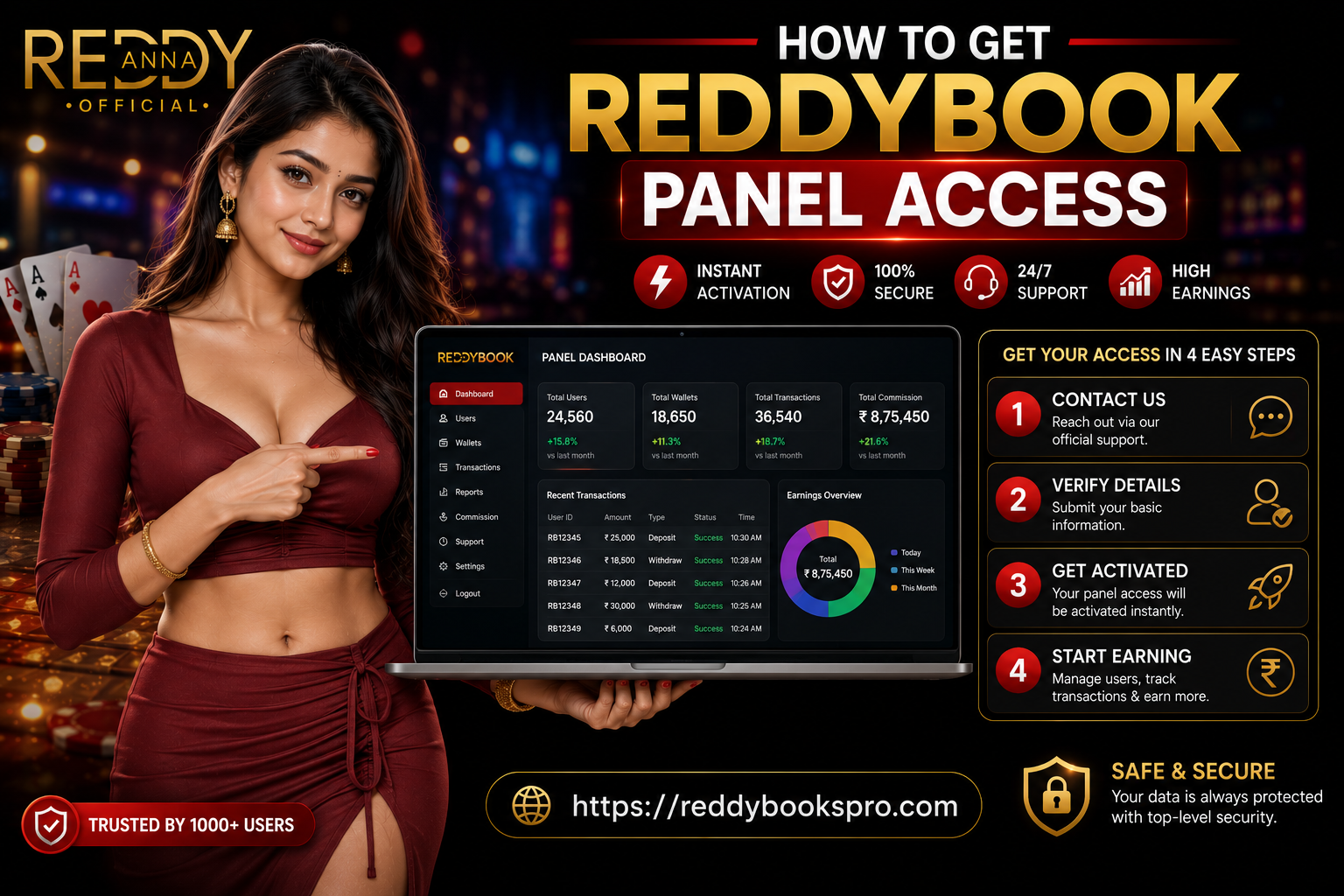
Once approved, you receive your panel ID, the panel login URL (different from the standard user login page), and an initial password. Log in immediately, change the password to something strong and personal, and spend time exploring the dashboard before creating any user accounts or processing any transactions. Understand every section before you take actions that affect real people's accounts and money.
No fee ever
How to Login to Reddybook Panel
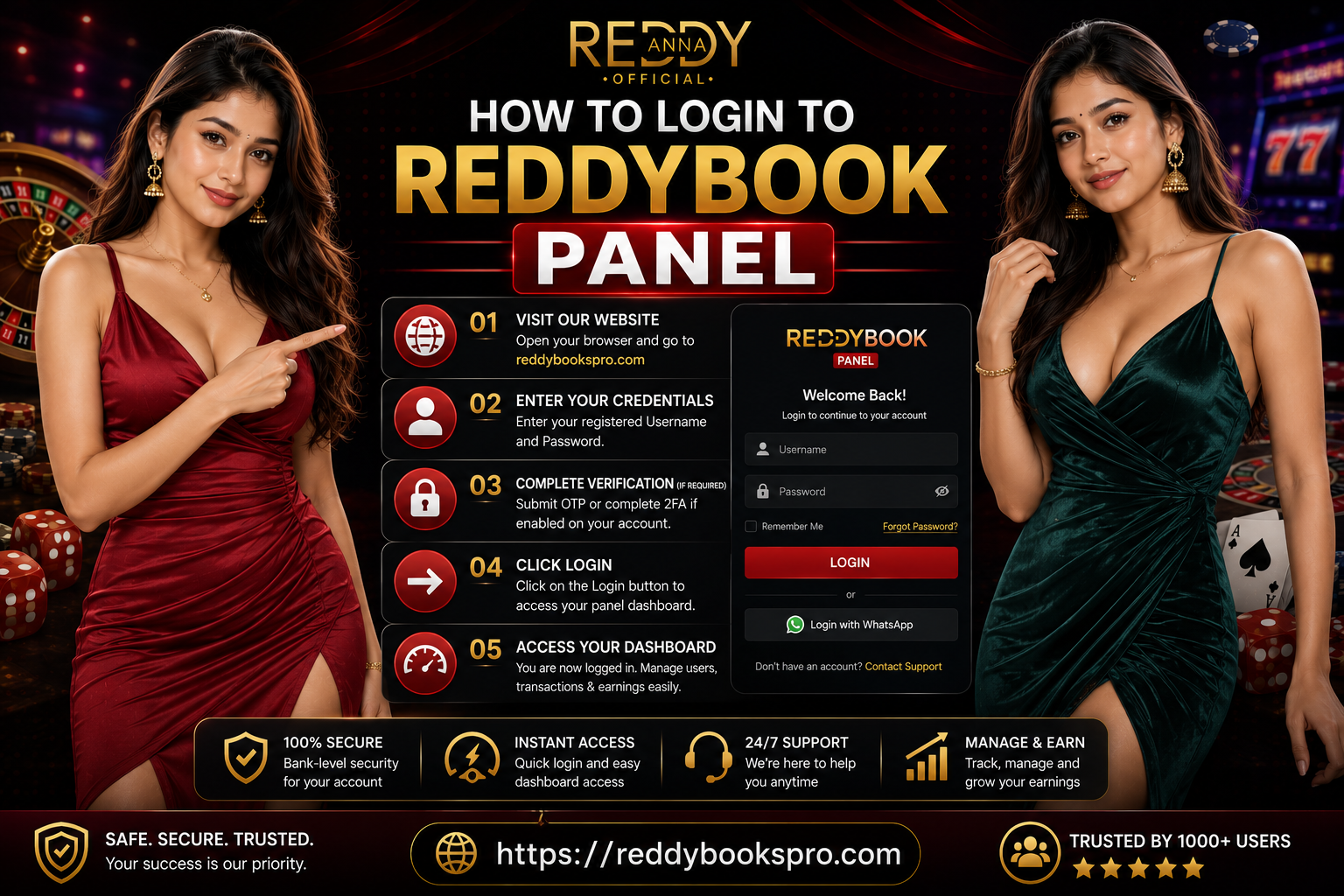
The Reddybook Panel login is separate from the standard user login. This is the most common source of confusion for new panel holders — they try to use the standard login page and find their credentials do not work there, because the panel login URL is different.
Your panel login URL was provided when your panel account was set up — in the WhatsApp conversation where you received your panel ID and initial password. If you cannot find it, the solution is simple: message WhatsApp support with your panel ID and registered mobile number, and they will confirm the current correct URL within minutes.
Panel Login URL — Separate From User Login
The panel URL is different from the standard Reddybook login page. Always use the URL provided by the support team when your account was set up. Bookmark it immediately after first successful login.
Panel ID + Password
Your panel ID is your username. Both the ID and password are case-sensitive — type them manually rather than relying on autofill, especially if you have changed your password since the last login.
Change Password on First Login
The initial password is system-generated. Change it to something personal and strong the moment you first log in — before you create any user accounts or process any transactions.
Mobile vs Desktop
The panel dashboard works on both mobile browser and desktop. Most panel holders who manage active networks find a tablet or laptop more practical for day-to-day management — the dashboard shows more information at once on a larger screen.
Login Not Working?
Most login failures are caused by: wrong URL (standard user page instead of panel URL), typing error in credentials, or a URL that has been updated. Try the troubleshoot in order: verify URL is correct → type credentials manually → clear browser cache → contact WhatsApp support.
dashboard
Who Needs Reddybook Panel — and Who Does Not
This is worth being direct about. Many people who search for Reddybook Panel are individual bettors who actually do not need panel access at all — a standard account covers everything they need. Panel access is for a specific type of user with a specific role.
The Local Agent or Distributor
You are the person in your community who introduces others to online cricket betting on Reddybook. Friends, colleagues, or customers come to you for their betting IDs. You currently manage their deposits and withdrawals informally through WhatsApp — and it is getting difficult to track accurately as your network grows.
Panel access gives you the proper tools for what you are already doing. A dashboard that shows all your users, their balances, their transaction history, and tools to process payments efficiently.
The Active Bettor Who Wants Panel Tools
You have been on the platform for a season, you bet regularly, and you have started introducing others to it. You have created a few informal IDs for people through support, but you want the ability to manage their accounts yourself — see their balances, handle their payments, and have proper P&L reporting across the network.
If your account history is solid and your intended network is genuine, panel access is a natural progression from where you are.
The Individual Cricket Bettor
You want to bet on IPL session markets, exchange prices, and over totals for yourself. You deposit via GPay, bet during live matches, and withdraw your winnings when they come. You are not trying to manage other people's accounts.
A standard Reddybook account covers everything you need. Panel access would add tools you would never use and responsibility you do not want or need.
The New User Wanting "Better Access"
If you are newly registered and want panel access because you think it means better odds, exclusive markets, or a better betting experience — it does not. The cricket markets, casino games, and payment methods are identical on panel and standard accounts.
Start with a standard account. Use the platform for a full cricket season. If you naturally start building a network of users, then panel access becomes worth discussing.
Keeping Your Reddybook Panel Account Secure
Panel account security matters more than user account security because the stakes are higher. A compromised user account puts your personal betting funds at risk. A compromised panel account puts your users' funds and accounts at risk too — every person in your network is affected if your panel credentials fall into the wrong hands.
These are not theoretical concerns. Panel accounts are specifically targeted by social engineering attacks because the payoff for a successful compromise is much larger than for a single user account.

unusual immediately
Unique Password — Never Reused
Your panel password should not be used anywhere else. Credential stuffing — trying passwords leaked from other sites — is one of the most common ways panel accounts get compromised.
One Device, Personal Device
Manage your panel only on a device that belongs to you and that no one else uses. Never access the panel dashboard from shared devices, public computers, or public Wi-Fi networks.
Log Out Properly After Every Session
Never leave your panel logged in on an unattended device. Proper logout — not just closing the browser tab — ends the session securely and prevents unauthorised access.
Never Share Your Panel Credentials
No support agent, no Reddybook team member, no trusted contact needs your panel ID and password. Share neither with anyone under any circumstances. If asked for them, end the conversation.
Monitor Your Dashboard Regularly
Check for transactions you did not initiate, user balance changes that do not match your records, or logins from unfamiliar times. Anything unusual should be reported to WhatsApp support immediately.
Report Compromise Immediately
If you believe your panel account has been accessed by someone else, contact WhatsApp support immediately — not after investigating. Early reporting limits the damage significantly.
Reddybook Panel — What Works Well and What Doesn't
Every guide about Reddybook Panel should include an honest assessment. Here is ours — based on how the panel system actually operates, not on what the marketing says.
✅ What Works Well
- The panel dashboard makes managing a user network dramatically more efficient than trying to track everything through informal WhatsApp messages
- Creating new user accounts from the panel takes under 2 minutes — faster and more reliable than any alternative account creation method
- Transaction history is automatically maintained in the dashboard — no need for separate record-keeping when users query their account history
- P&L reporting across the network gives panel holders a genuine picture of their operation — by user, by time period, and in total
- Panel access includes full personal betting features — you can still use all cricket markets, casino games, and payment options for your own betting
- WhatsApp support for panel-level issues is generally responsive and agents can access panel-level records to resolve issues efficiently
✗ Honest Limitations
- User experience quality depends significantly on the individual panel holder's reliability — a disorganised or dishonest panel agent creates a poor experience for every user in their network
- Panel login URL changes periodically for security reasons — panel holders who rely on old saved bookmarks sometimes find themselves locked out when the URL updates
- The panel dashboard has a learning curve — new panel holders often take a few sessions to navigate confidently, which creates risk if they start processing transactions before understanding the tools
- Panel holders are financially responsible for processing user payments correctly — mistakes in crediting or processing withdrawals are the panel holder's operational problem to resolve
- Support response during peak IPL match hours can slow for panel-level queries when overall platform volume is at its highest
- No transparent public documentation of panel terms — panel holders operate under conditions agreed at setup time but not publicly published for independent review
Reddybook Panel — Honest Answers
What is Reddybook Panel?
How do I get Reddybook Panel access?
What is the Reddybook Panel login URL?
Do I need Reddybook Panel to bet on cricket?
Why is my Reddybook Panel login not working?
Can I have a panel account and a regular betting account?
Is Reddybook Panel free to get?
What is the difference between Reddybook Panel and Reddy Anna Pro?
Panel Holders — Responsible Management Matters
As a panel holder, your responsibilities extend beyond your own betting. Every user you create an account for must be 18 or older — this is a strict platform requirement with no exceptions. You are personally responsible for ensuring this for every account you create. Do not create accounts for anyone you are not certain is an adult.
If any user in your network shows signs that they may be betting beyond their means or experiencing harm from betting, encourage them to contact WhatsApp support about deposit limits or self-exclusion. The Vandrevala Foundation helpline (1860-2662-345) provides free, confidential support in India. Taking responsible gaming seriously is not optional — it is part of operating as a legitimate panel holder.
More Reddybook Guides
Interested in Reddybook Panel Access?
Message the official WhatsApp support team and describe your situation. They will assess whether panel access is right for you and walk you through the process if eligible. No fee, no complicated forms — just a direct conversation about what you need. 18+ only — manage your panel responsibly.