Reddy Book Login
The complete guide to signing into your Reddy Book account — three login methods, step-by-step walkthrough, how to fix every error, biometric setup, and how to recover a forgotten ID or password.

What Happens When You Log Into Reddy Book
Logging into Reddy Book is not just opening a website. The moment your credentials are confirmed, the platform recognises your unique ID, loads your personal wallet balance, shows your active bets and their current status, retrieves your complete betting history, applies your saved account preferences, and connects you to every live market running at that exact moment. All of this happens in one to two seconds and the full platform is ready the instant your dashboard appears.
This matters in practice. If you are watching an IPL match and want to place a live bet during an over break, every second you spend logging in is time the odds could shift. The Reddy Book login is built to be fast — and the Android app with biometric login goes even further, getting you into your account in under one second with a single fingerprint tap or face glance.
There are three distinct ways to log in, and each one is suited to a different situation. The standard ID and password method works on every device every time. The mobile number plus OTP method is your backup when you cannot find your ID. And biometric login on the Android app is the fastest and most secure option once you have spent thirty seconds setting it up. All three are explained clearly below.
Three Ways to Sign In
ID + Password
The default method that works on every device — app, mobile browser, and desktop. Your Reddy Book ID and the password you created at registration.
- Works on every device without exception
- No mobile signal required for the OTP step
- Fastest when credentials are already saved
- Always works for first login on any new device
Mobile Number + OTP
Log in using your registered phone number instead. An SMS OTP is sent to verify you — no password needed. Best when you cannot find your ID.
- Perfect backup when ID is forgotten
- Requires active SMS delivery to your number
- OTP expires after 2 to 5 minutes
- Lets you locate your ID from inside the account
Biometric Login
Fingerprint or face recognition on the Android app. One touch and you are inside — no typing at all after the initial 30-second setup.
- Android app only — not available on browsers
- Under one second to authenticate fully
- More secure — biometric data never leaves device
- Re-enable from settings after any app update
App, Browser or Desktop — Your Choice
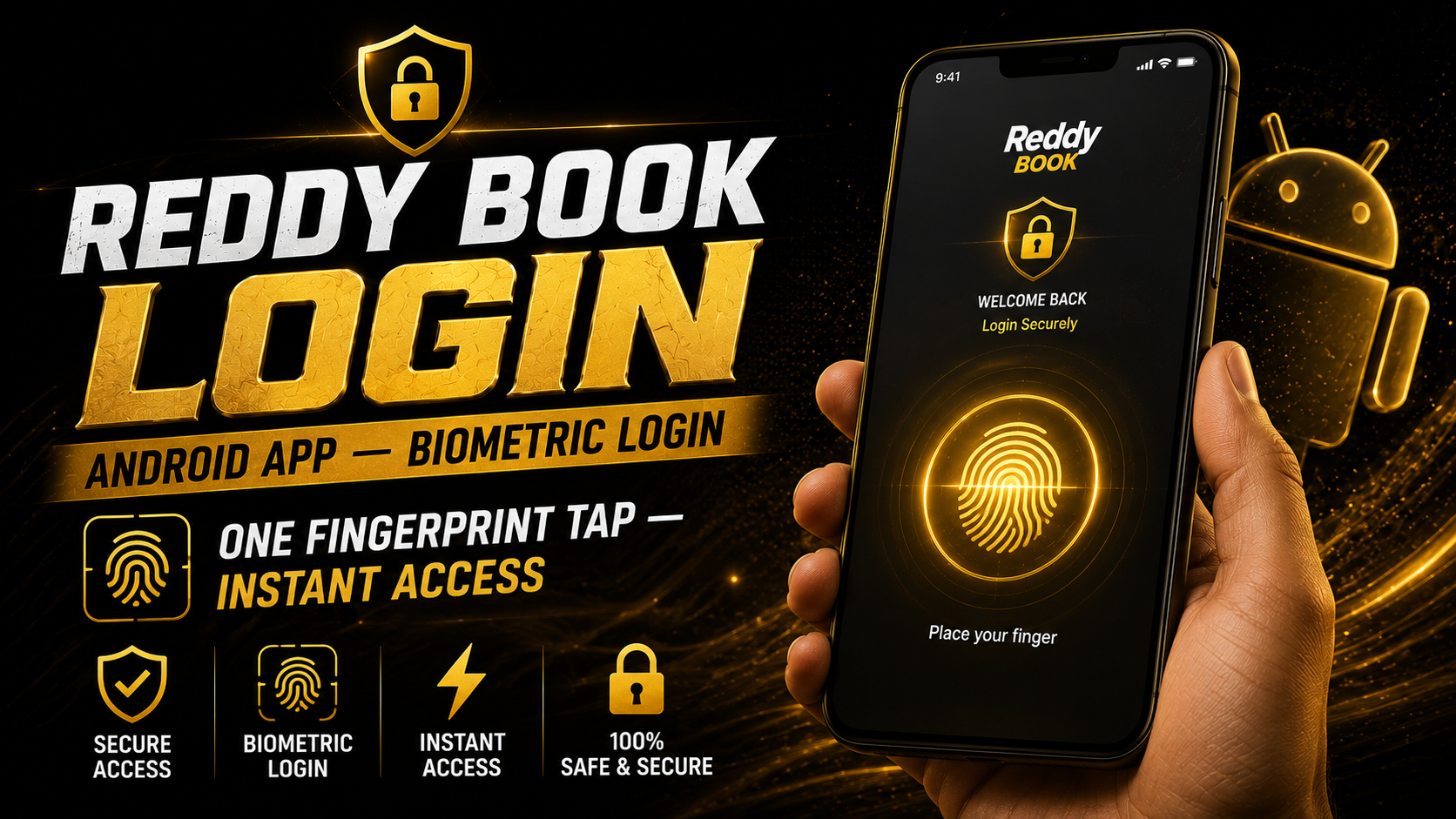
Android App — Biometric Login
One fingerprint tap — instant access — replace with your own image before publishing.
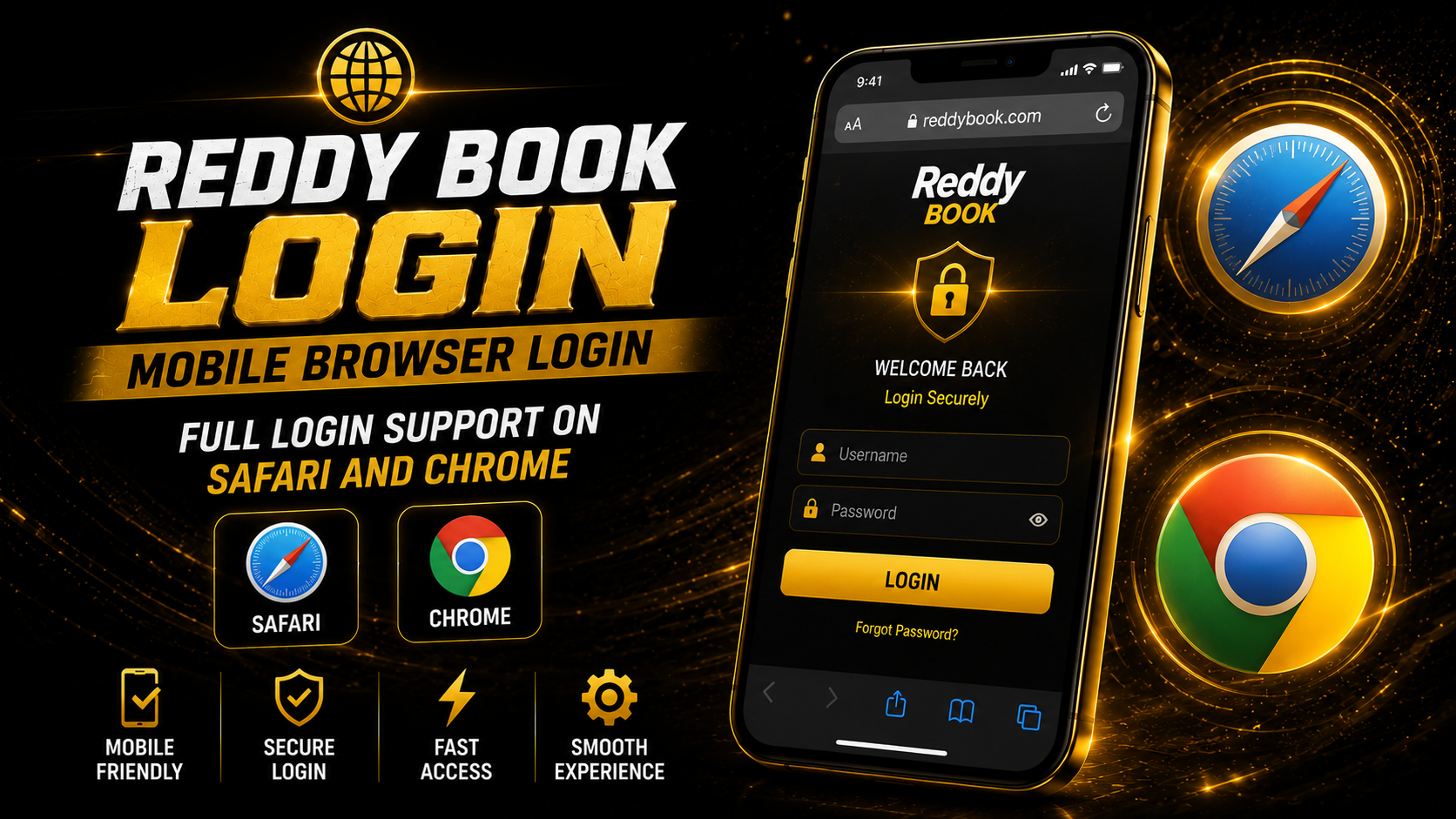
Mobile Browser Login
Full login support on Safari and Chrome — replace with your own image.

Desktop Website Login
Full ID and password login on any computer browser — replace with your own image.
How to Log In — Every Step Explained
Open the Official Reddy Book Website or App
Navigate to the genuine platform by typing the URL directly in your browser address bar, or open the Android app from your home screen. The login screen loads automatically when the platform opens. Before entering any credentials, check that the URL in your browser matches the real official site exactly — fake look-alike sites do exist and the address bar is the only reliable way to spot them at a glance.
Enter Your Reddy Book ID
Your Reddy Book ID is the unique account identifier given to you when you registered — it is not your email address and not your phone number. It is the specific ID created by the platform for your account. Type it carefully into the first login field. If you have it saved somewhere on your phone, copy and paste it to avoid any typo that will cause a login failure even if your password is correct.
Type Your Password Carefully
Reddy Book passwords are case-sensitive — a capital letter in the wrong position will cause a login error even when the ID is right. Use the show/hide password toggle (the eye icon at the end of the password field) to double check what you have typed before submitting, especially on a mobile touchscreen where adjacent keys are easy to tap incorrectly.
Tap Login — Your Dashboard Opens Immediately
Press the Login button and within one to two seconds your full account dashboard appears. You will see your wallet balance, any active bets and their current status, and the main navigation giving you access to sports betting, casino games, wallet management, and account settings. Everything the platform offers is available immediately from this single screen.
Enable Biometric Login for Future Sessions — App Only
After logging in for the first time on the Android app, a prompt will appear asking if you want to set up fingerprint or face recognition. Tap Enable and scan your fingerprint once to register it. From this point forward, opening the app takes you directly into your account with one touch — no typing needed. If you miss the prompt, go to Account Settings then Security then Biometric Login and enable it from there.
Login Features Across All Your Devices
| Device | ID + Password | OTP Login | Biometric | Stays Logged In |
|---|---|---|---|---|
| 📱 Android App (APK) | ✓ Full | ✓ Full | ✓ Fingerprint + Face | ✓ Persistent session |
| 📱 Android Browser | ✓ Full | ✓ Full | ✗ Not available | ~ Cookie-dependent |
| 🍎 iPhone (Safari) | ✓ Full | ✓ Full | ✗ Not available | ~ May expire on close |
| 💻 Desktop Browser | ✓ Full | ✓ Full | ✗ Not available | ~ Session-based |
| 📟 Android Tablet (App) | ✓ Full | ✓ Full | ~ If sensor is present | ✓ Persistent session |
The Android app delivers the best login experience without question. It is the only version that supports biometric authentication, maintains a persistent session between uses, and loads the login screen fastest. For anyone who checks their account multiple times per day during cricket season — which is most active bettors — the difference between typing credentials each time and using a single fingerprint tap adds up to a meaningful amount of saved time and frustration.
Setting Up Biometric Login on the App
Biometric login on the Reddy Book Android app is the most underused feature among regular bettors, and it is the one that makes the biggest difference to the everyday experience.
During an active IPL season, most bettors open the app four to eight times per session — checking live odds, placing bets, watching results update, adjusting strategy for the next over. Every time you do this with manual credentials, you spend ten to fifteen seconds typing. With biometric login, it is one touch. Over a full IPL season of 74 matches, that time saving becomes very significant.
It is also more secure than typing on a touchscreen. Someone near you can see your password being entered. Your fingerprint cannot be copied with a glance. Biometric data never leaves your phone — the app simply asks Android's own security system to confirm your identity, and Android handles it entirely on the device with nothing sent externally.
✅ How to Enable Biometric Login
- Log in with your ID and password for the very first time on the app.
- When the biometric setup prompt appears, tap "Enable" — do not skip it.
- Scan your fingerprint or face once to register it with the app.
- Done — next time you open the app, one touch logs you in.
- Missed the prompt? Go to Account Settings → Security → Biometric Login.
- After any app update — re-enable from the same settings page. Takes 30 seconds.
Every Login Error Diagnosed and Solved
| Error or Problem You See | Most Likely Cause | How to Fix It Right Now |
|---|---|---|
| Invalid ID or password message | Typo in credentials, wrong case, or caps lock on | Use the show/hide toggle on the password field. Re-type both fields carefully. Use Forgot Password if unsure of the password. |
| Account temporarily locked | Multiple failed login attempts triggered a security lockout | Wait 15 to 30 minutes. Try again with correct credentials. Contact support on WhatsApp if the lock does not lift. |
| OTP not received on phone | Network delay, wrong number entered, or SMS congestion | Wait 60 seconds. Tap Resend OTP. Switch from Wi-Fi to mobile data. Confirm the number shown is your registered one. |
| Login page not loading at all | Slow internet, browser cache issue, or brief maintenance | Check your connection. Clear browser cache. Try the app if you are using the browser, or the browser if using the app. |
| Biometric login has stopped working | App update reset the biometric authentication setting | Go to Account Settings then Security then Biometric Login and re-enable it. Takes under 30 seconds to set back up. |
| Blank or white screen appears after login | Browser cache conflict or connection dropped at the wrong moment | Hard-refresh the page. Clear browser cache and cookies. Try a different browser or switch to the app. |
| Automatically logged out | Inactivity timeout — standard security behaviour on all platforms | Completely normal. Log back in. Enable biometric on the app so re-entry is instant next time. |
| User not found error | ID typed incorrectly or platform URL is not the official site | Double-check the URL is the official platform. Check your ID character by character for typos. Try mobile number login as a backup. |
| App crashes when opening login screen | Outdated APK version or corrupted app cache | Clear app cache from phone settings. Download and install the latest APK version from the official website. |
How to Recover Your ID or Password
Check Your Original WhatsApp Registration Chat
If you registered through the Reddy Book WhatsApp support number, scroll back to that conversation. Your ID and initial password were shared there at the time your account was set up. This is the fastest recovery route for the majority of users and should always be the first place you look.
Use the Forgot Password Option on the Login Screen
Click or tap the Forgot Password link just below the password field on the login screen. Enter your registered mobile number and an OTP will be sent to your phone. Enter the OTP, create a new password, and use it to log back in. The entire process takes under two minutes and your account and balance are completely unaffected.
Use Mobile Number Login to Get Back In and Find Your ID
If you cannot remember your ID at all, switch to the mobile number login option on the login screen. Enter your registered number, receive an OTP, and log in that way. Once inside your account, go to the profile or account settings section where your Reddy Book ID is displayed. Note it down and save it properly this time so you always have it available.
Contact the Official WhatsApp Support Team
If none of the above options work, message the official Reddy Book support number with your registered mobile number and your full name. The team will verify your identity through a few short questions and help you recover your ID and reset your access. Support is available 24 hours a day and recovery is almost always completed in a single conversation without any waiting period.
Everything Available After You Log In
Live Cricket Markets
All live cricket markets — IPL, internationals, domestic tournaments — available immediately with real-time odds updating ball by ball.
Multi-Sport Betting
Football, kabaddi, tennis, basketball, and more — switch between sports from the same session without logging out.
Casino Section
Teen Patti, Andar Bahar, roulette, blackjack, slots, and live dealer games — all on the same account and wallet.
Wallet and Payments
Check balance, make UPI deposits, and request withdrawals — full payment management inside the dashboard.
Bet History and Tracking
Review settled bets, track active wagers in real time, and see your complete betting history from one section.
Bonuses and Promotions
All active bonuses and available promotions linked to your account are visible from the promotions section after login.
Inside Your Account After Sign In

Account Dashboard
Wallet, active bets, and all markets visible the moment you log in — replace with your own image.

Live Cricket Markets
Real-time odds updating ball by ball across every live match — replace with your own image.
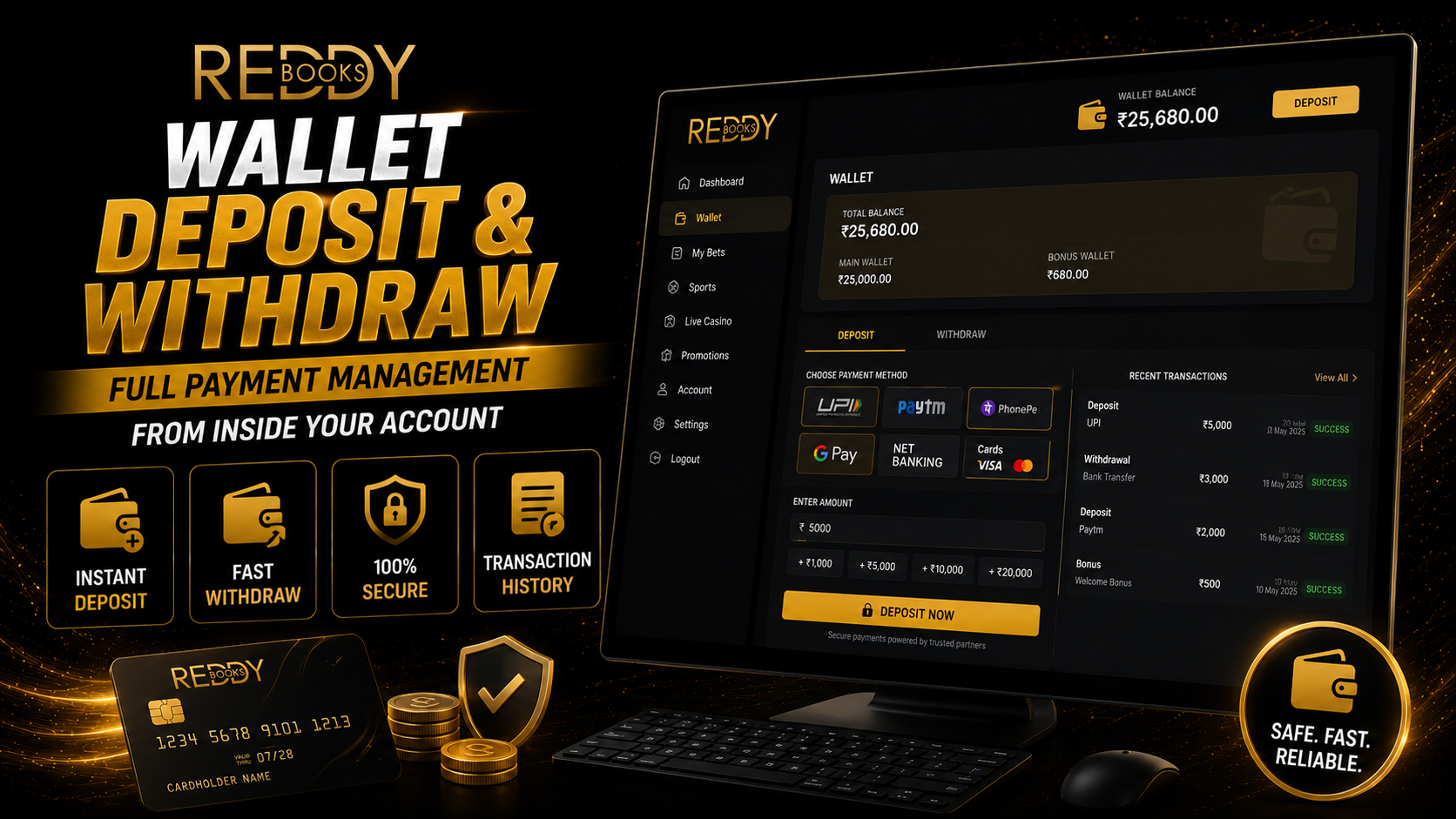
Wallet — Deposit and Withdraw
Full payment management from inside your account — replace with your own image before publishing.
Security Habits That Actually Matter
Use a Strong and Unique Password
Mix uppercase letters, lowercase letters, numbers, and a symbol. Something like Cricket@8812! is dramatically harder to crack than cricket123 and still easy to remember if you use a system you know. Never reuse passwords from other accounts — if one is compromised, a unique password keeps your betting account safe regardless.
Lock Your Phone Screen
If your phone has no screen lock, anyone who picks it up can open Reddy Book while your session is active. Set a PIN, pattern, fingerprint, or face unlock so your account has protection at the device level before anyone can even open the app. This is the most overlooked but one of the most important security habits.
Log Out Properly on Shared or Borrowed Devices
Closing the browser tab is not the same as logging out. If you check your account on a friend's phone or any shared device, always use the proper Logout button before handing the device back. A saved active session gives full account access to whoever opens it next — no credentials needed.
Never Share Your ID or Password With Anyone
Not with friends. Not with family. Not with anyone claiming to be from Reddy Book support. Real support agents do not need your password — they can access your account through internal tools after confirming your identity through other means. Anyone who asks for your password is attempting to scam you. Ignore and report.
Avoid Public Wi-Fi for Anything Account-Related
Open networks at cafes, airports, and shopping malls can be monitored by other people connected to the same network. When you need to check your account or place a bet while you are out, use your mobile data connection instead. It takes the same amount of time and is significantly more secure for any activity that involves real money or personal credentials.
Act Fast If Something Seems Wrong
An unexpected login notification, an unfamiliar transaction in your history, a bet you do not remember placing — any of these are signals to act immediately. Change your password right away and contact the official support team on WhatsApp. Acting within the first hour of a suspected breach makes an enormous difference in what can be recovered or protected.
Reddy Book Login Questions Answered
What do I need to log into Reddy Book?
You need your Reddy Book ID and the password linked to your account. These were given to you or created by you during registration. If you registered through the WhatsApp support number, both were shared in that conversation. Alternatively, you can use your registered mobile number and an OTP instead of the ID and password if you have forgotten your credentials. On the Android app, biometric login is also available after a quick one-time setup.
I forgot my Reddy Book ID — how do I find it?
Switch to the mobile number login option on the login screen. Log in with your registered number and the OTP sent via SMS. Once inside your account, go to your profile or account settings section — your Reddy Book ID is displayed there. You can also check your original WhatsApp registration conversation where the ID was shared when your account was first created.
Why does my account lock after entering the wrong password?
The platform automatically locks accounts temporarily after several failed login attempts in quick succession. This is a standard security measure that prevents automated or manual attempts to guess your password. The lock lifts automatically after 15 to 30 minutes. Once it does, try again with your correct credentials. If you are still unsure of your password, use the Forgot Password option to reset it before the lockout happens again.
Is the login experience different on the app versus the website?
The credentials are the same on both — your Reddy Book ID and password work identically on the app and the website. The main practical differences are that the app supports biometric login while the website does not, and the app maintains a persistent session between uses while browser sessions may expire after inactivity. For frequent bettors the app is the significantly better login experience.
I registered through WhatsApp — what credentials do I use?
When the support team set up your account via WhatsApp, they shared your Reddy Book ID and an initial temporary password in that chat conversation. Use those credentials on the login screen. After your first successful login, it is worth going to Account Settings and changing the password to something personal — easier to remember and more secure than a system-generated temporary one.
Can I log in on my phone and laptop at the same time?
Generally the platform allows login from multiple devices. Signing in on a new device may close the active session on another device, depending on current security settings. For most bettors who use one primary device, this is not an issue at all. If you switch between your phone and a laptop occasionally, simply log in fresh on whichever device you are currently using — your account and balance are identical on both.
Does logging out delete any of my bets or account data?
No. Logging out only ends your current session on that specific device. Your account, wallet balance, active bets, betting history, and all personal settings remain exactly as they were — stored securely on the platform's servers, not on your phone or browser. When you log back in, everything is right there waiting for you precisely as you left it.
I think someone else has accessed my account — what should I do?
Act immediately. Log in straight away and change your password to something completely new. Then check your recent transaction history and active bets for anything you did not initiate yourself. After that, message the official Reddy Book support team on WhatsApp and explain the situation — they can flag your account, review the access log, and add additional security measures while the situation is being sorted out. Speed matters here: acting in the first hour is far more effective than acting the next day.
Related Guides
Login Help or Account Recovery? We Are Here
The support team is available 24/7 on WhatsApp for login help, password resets, account recovery, and anything else. You get a real person, not an automated bot.